What needs to happen.
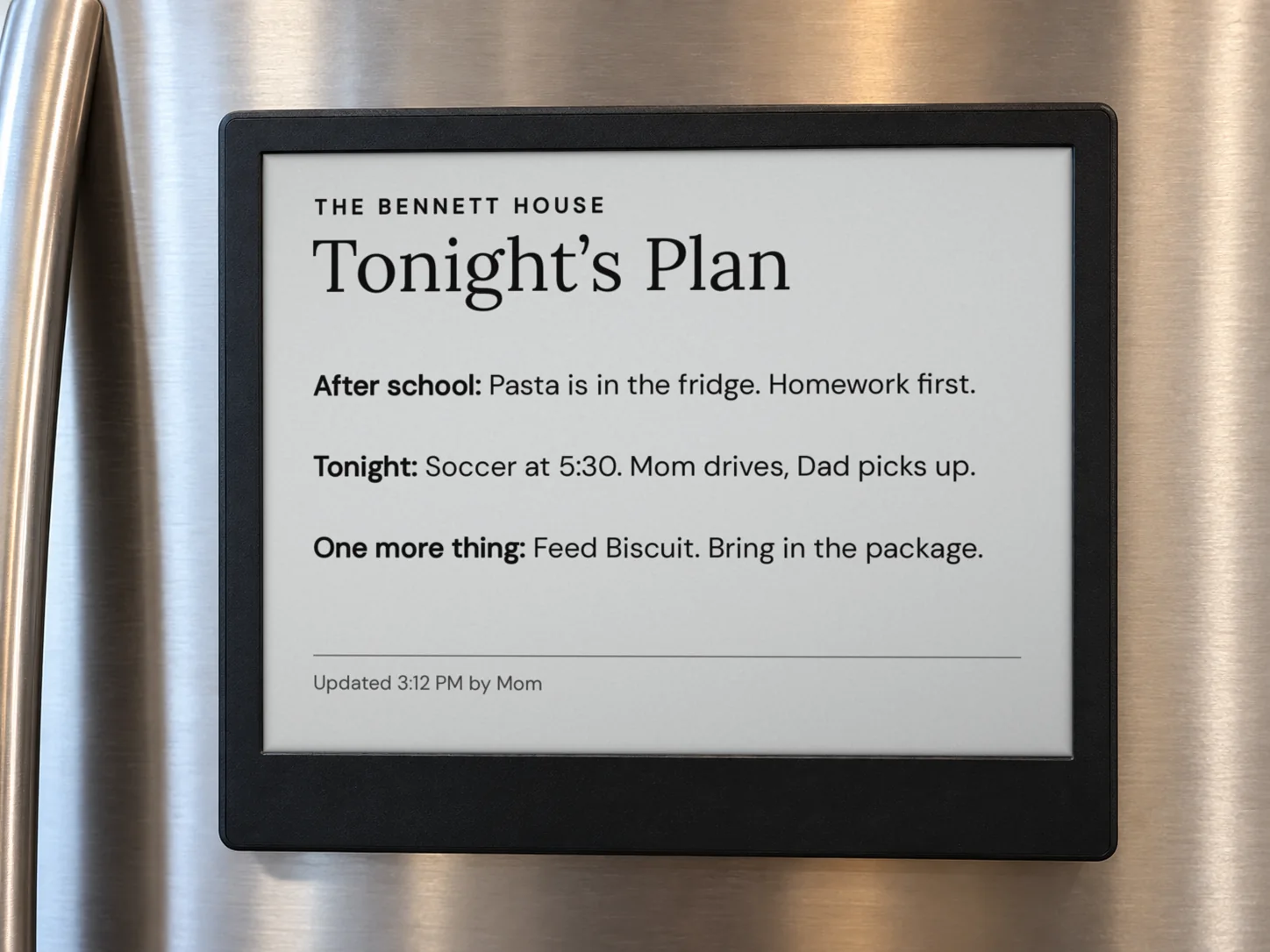
Keep the pickup plan, a few to-dos and the evening routine close at hand. Check things off as you go.
- Plans and responsibilities
- Routines and useful reminders
- A note for the next person
The Household
The plan for tonight. The list for the store. The details someone needs when they step in. Give everyday life a place to come together.
Already have access? Sign in to your Family dashboard.
Make it yours
Start with the cards you need. Add a grocery list, edit a note, or tuck a card away until it is useful again. Your dashboard can change as your household does.
Open Add cards to show a grocery list. Use the ••• menu on any card to customize it.
Open full-size ↗ Explore an example household
Cameo Road · Household Hub
The little details, taken care of together.
Everyday life, together
The people who step in
Cleaning, repairs & yard care
Insurance, estate & tax advice
Select a person to see the records shared with them.
Select a household member or someone who helps out to see the records in their view.
The housesitter needs home instructions. The babysitter needs the evening routine. Explore the example profiles under Our people to see their selected records.
Showing or hiding a dashboard card changes your layout. It does not give anyone access to its contents.
Nothing stays shared by accident. Every link ends on the date you choose (a day, a week, a month, a year) or the moment you remove it.
Start your Household →An interactive example household. Changes here are for trying things out; they do not update a real household.
The things you keep explaining
A dashboard does not have to hold everything. Just the things that make today a little easier.
Keep the pickup plan, a few to-dos and the evening routine close at hand. Check things off as you go.
Add the grocery list when you need it. Keep a meal plan or a familiar recipe beside it, so dinner starts with an answer.
Write down the details you usually leave in a text: where things are, how the evening goes, and what to do first.
Full-access members can arrange their own cards. The grocery card can open a list you already use in Hubstone.
The people who help
Family, a sitter, the person caring for the garden. Each needs a different part of the picture. Choose a person below to explore an example of their view.
Select a person to explore
Everyday life, together
The people who step in
Cleaning, repairs & yard care
Insurance, estate & tax advice
Select a person to see the records shared with them.
Select a household member or someone who helps out to see the records in their view.
Choose the records each person needs and review their access as plans change. A sitter’s instructions and a contractor’s equipment details belong in different views.
Showing or hiding a dashboard card only changes your layout. It does not grant access to that card or to private household records.
A copy within reach
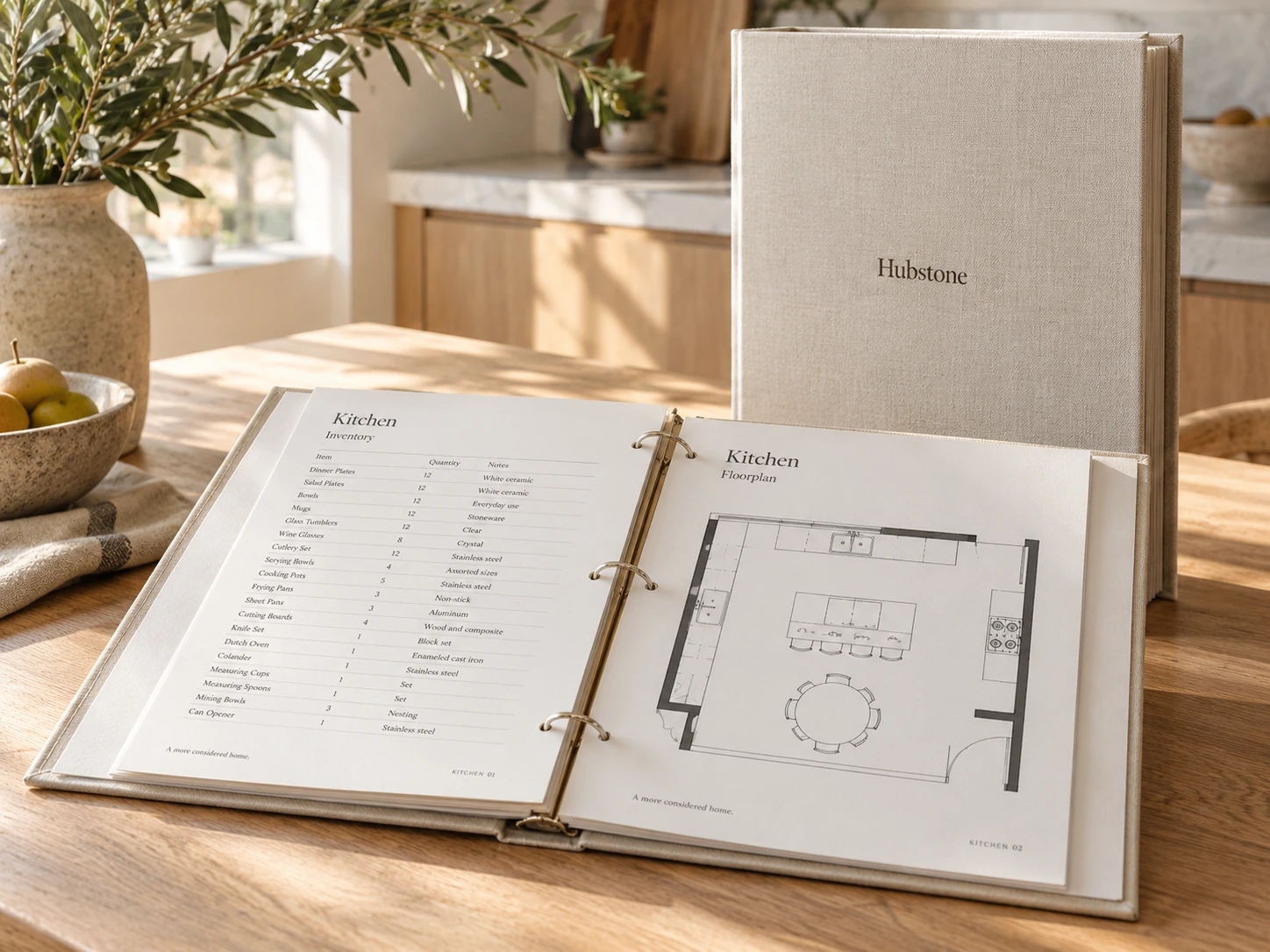
A phone is not always handy. Keep useful home instructions in a printed binder for the next person walking through the door.
Start with the free Home Binder. For important household papers, explore the Household Essentials templates and note where the originals live.
Before you begin
No. Use Add cards to choose what appears on your dashboard. Hiding a card keeps its content so you can bring it back later.
Yes. Open the three-dot menu on a card and choose Customize. Edit its title, note or list items to fit the way your household works.
Your card layout and notes are personal. Anyone with access to a linked record sees its saved updates. Use Sharing to manage access to those records.
Choose a grocery list from Lists. When you check off an item on the dashboard, it updates that list, and changes in Lists appear on the card.
Hubstone is opening by invitation. Request an invite below, or sign in if you already have access. You can explore the example dashboard and download the free binder now.
Start with one useful detail
Hubstone is opening by invitation. Leave your email and we will let you know when you can create your Home Hub and make the Household your own.
Already have access? Sign in to your Family dashboard →